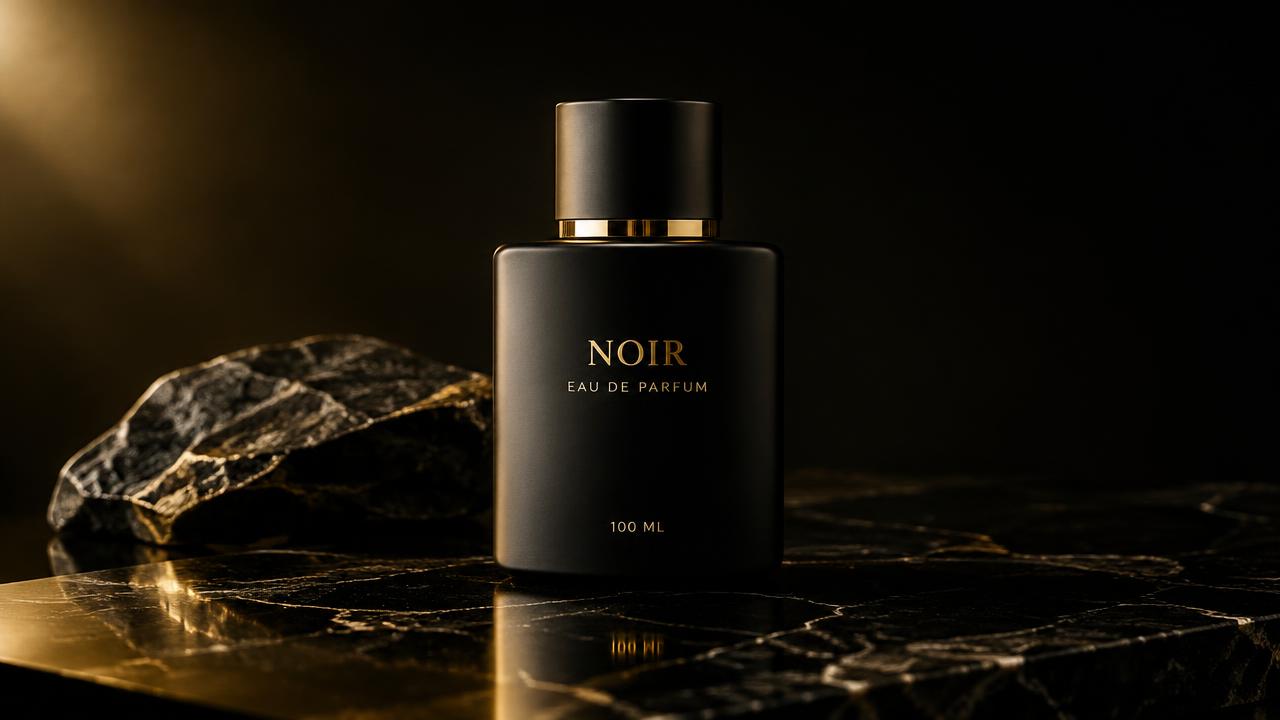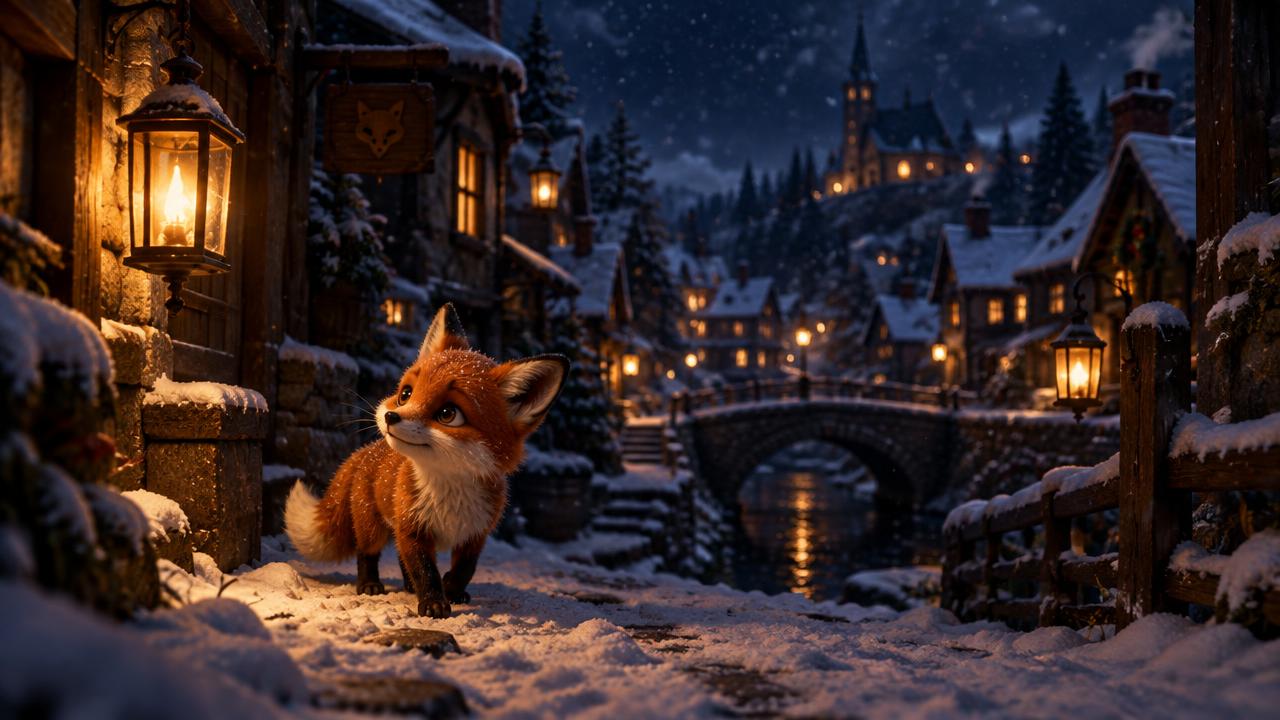
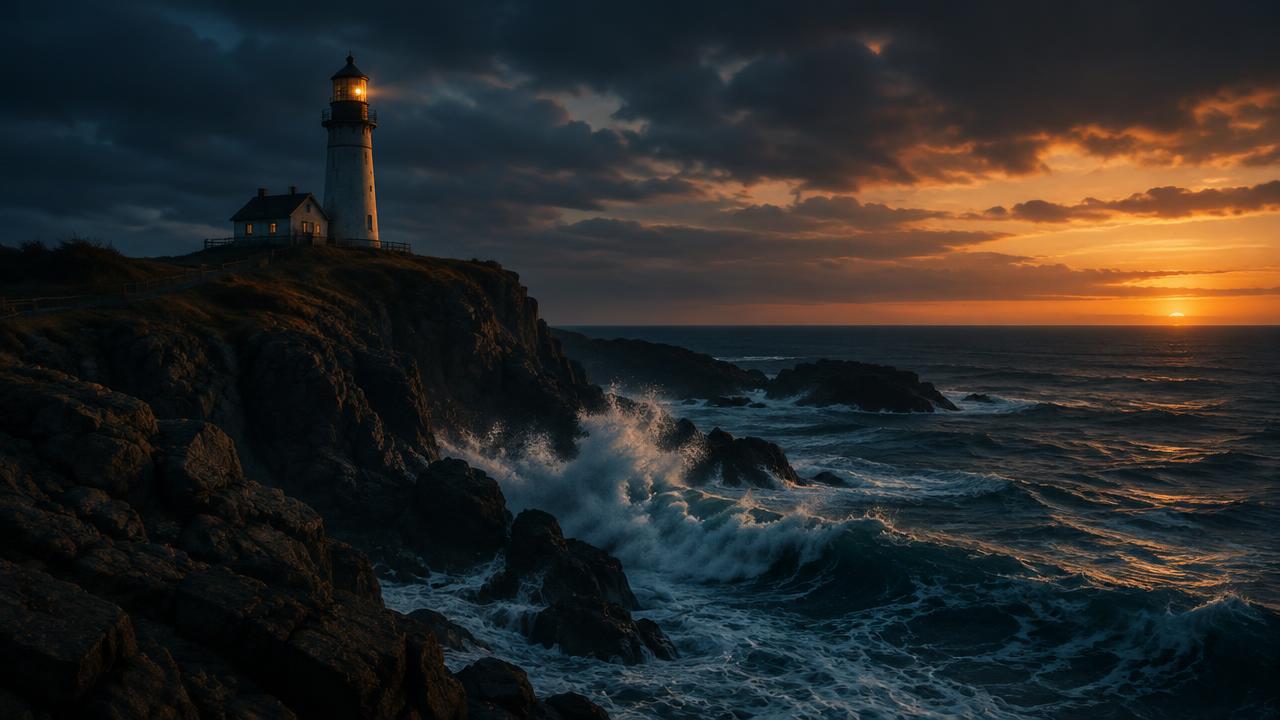
A video prompt is not a short story. It is a set of instructions for one shot. The most useful starting point is a subject, one visible action and a clear decision about the camera. Add atmosphere after those basics, not instead of them.
Start with one shot, not a whole film
A person entering a room, opening a letter and reacting to the news sounds simple on paper. In a short generation, it asks the model to handle several actions, changing hand positions and a developing expression. Split that idea into separate shots if all three moments matter.
For your first attempt, choose the moment that carries the idea. A hand holding an unopened letter near a window might be enough. Short, deliberate scenes are easier to evaluate than a clip that tries to tell the entire story.
Give the prompt a useful structure
Write the subject first, then the action, framing and lighting. You do not need a paragraph of camera jargon. Ordinary words like ‘close-up’, ‘camera stays still’ and ‘soft window light’ often communicate the intention more clearly than a list of unrelated cinematic adjectives.
- Subject: who or what appears in the frame.
- Action: the single movement that should happen.
- Camera: static, a slow push-in or another specific movement.
- Setting and light: the details that establish the scene.
- Constraint: the most important thing that must stay unchanged.
A ceramic coffee cup on a dark wooden table beside a window. A thin ribbon of steam rises gently. Close-up, camera stays still, soft morning light. The cup and table remain motionless.
Separate camera movement from subject movement
If you want a stationary camera and moving clouds, say both. ‘A dramatic mountain timelapse’ leaves room for a camera pan, a zoom or an unstable landscape. ‘Fixed viewpoint, mountains remain still, clouds drift across the sky’ is more specific.
Avoid contradictory instructions. A locked camera cannot also orbit the subject. Decide which movement matters before spending credits. A fixed shot is a useful baseline when you are trying to isolate a model’s interpretation of the action.
Change one thing on the next attempt
Review the clip for a concrete problem: the camera moves, the object changes shape, or the action never happens. Rewrite the instruction responsible for that problem instead of adding ten more style words.
Keep a note of the original prompt and settings. If you change the model, duration and prompt together, you will not know which change helped. A longer prompt is not automatically a better prompt, and no wording guarantees an exact result.
Check the quote before you generate
The same idea can cost different amounts on different models or with a longer duration. In MeteorVid, check the displayed credit quote and generation count before submitting. Start with one variation while you are still working out the shot.
Once the composition is useful, you can decide whether a different model or a higher-quality setting is worth another attempt. The goal is a clip you can use, not a growing folder of expensive experiments.
Sources and further reading
Official product documentation reviewed on 19 October 2026. Features and terms may change.